Provider Learning Center
Sign up for Learning Management System (LMS)
For Additional Training
LMS Registration
Step-by-Step Guide to Setting Up a
Learning Management System (LMS) Account
YOU MUST ENROLL AHEAD OF TIME.
Last minute registration will not be accepted by the system.
These courses provide general information, as well as courses that are eligible for Continuing Education Units (CEUs). You will need to register in order to access these courses.
Below are the registration instructions for the new Provider Learning Center which includes an automatic membership to SCLARC Provider Learning Center.
Step 1
You can begin the registration process by going directly to https://sclarcprovider.arcalearn.org
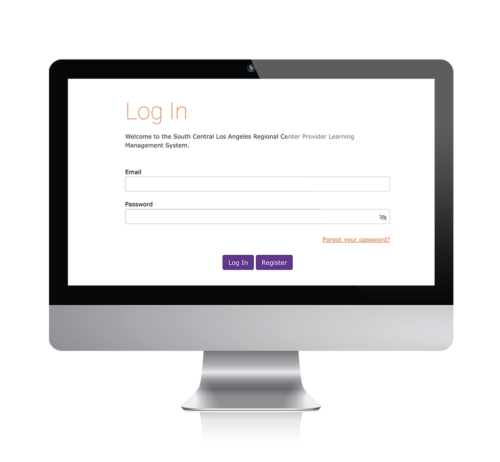
DO NOT USE SAFARI or INTERNET EXPLORER
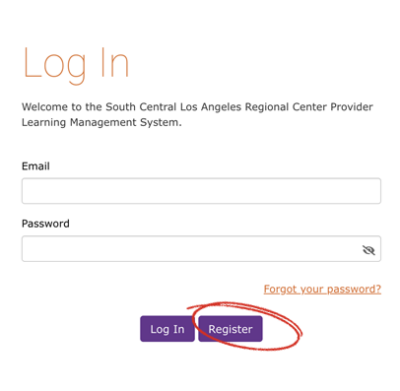
Step 2
Click on “Register.”
Step 3
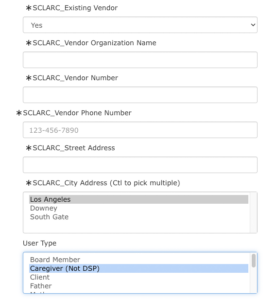
Enter the Account Details. Your name, email, preferred password and SCLARC Vendor Details
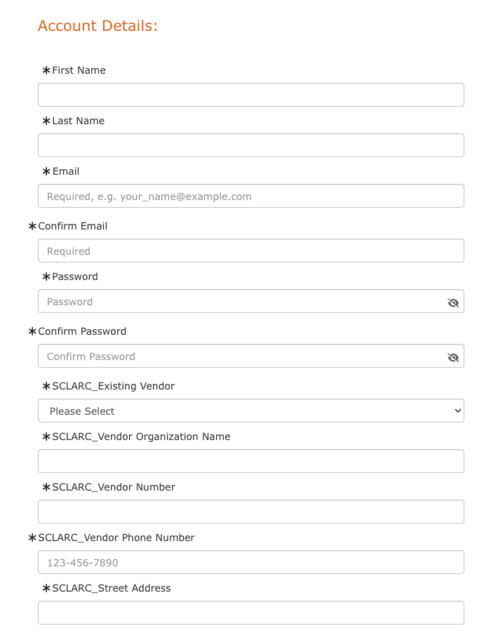
Using the drop down menu, select the Regional Center you are vendored to provide services with, and you will automatically become a member of that Regional Center’s Provider Learning Center as well.
Step 4
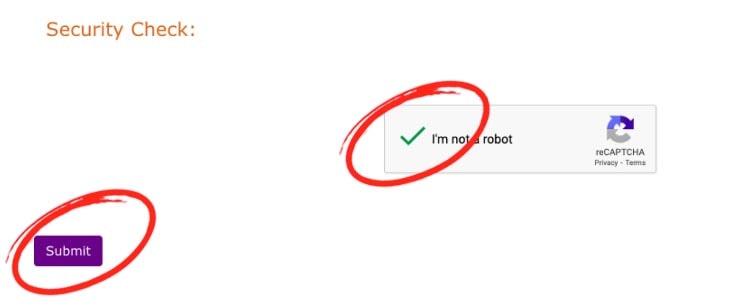
Final Check. Confirm that it’s you. and click on the submit button.
Step 5
Once you click submit, you will be given a pop-up screen with a log in button. Enter your email and password and you will be logged in. You can access training in the new Provider Learning center by selecting Browse Catalog.
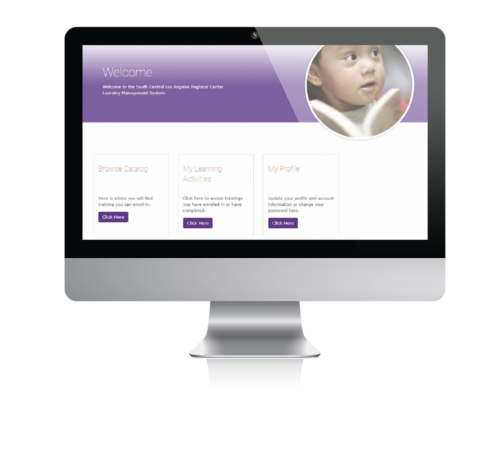
Browse by scrolling the trainings until you are at the Department of Labor Training and click on enroll

At least 5 to 10 minutes on the day of the training, you must log back into LMS. Go to Learning Activities to find the class and click on the zoom link.